Connect operational data
Bring REST, WebSocket, MQTT, databases, equipment states, metrics, and alerts into one data layer.
Data access guide →Bring equipment, data, and operating procedures into one live view. Connect systems, publish dashboards, and help teams see status, find exceptions, and act faster.
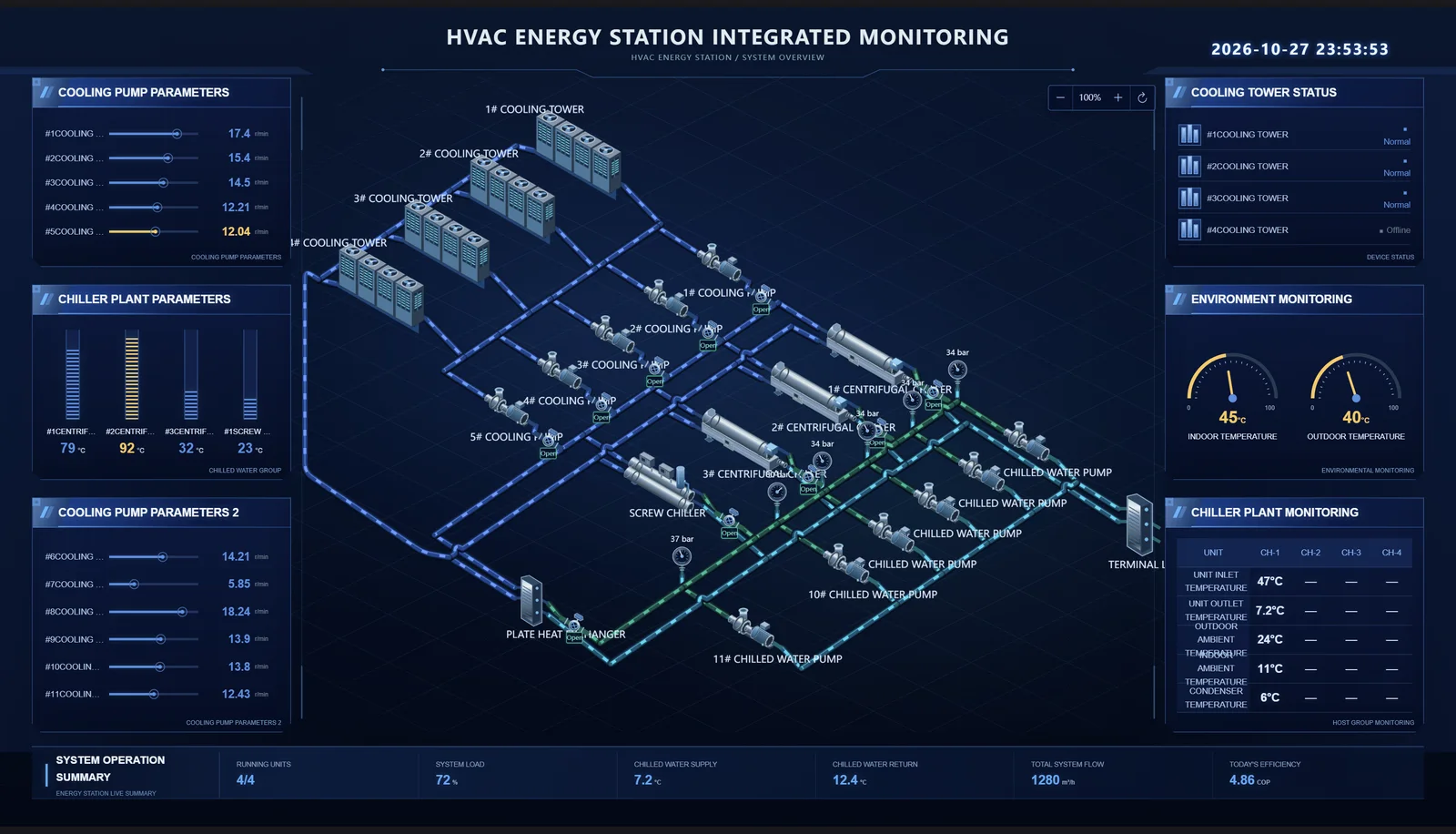
HVAC energy station · Equipment, piping, metrics, and alerts
SmartBoard organizes equipment, business metrics, and exceptions into one structure. Operators can move from the whole site to the detail, managers can compare trends, and implementation teams can maintain data connections and reusable components.
Explore the product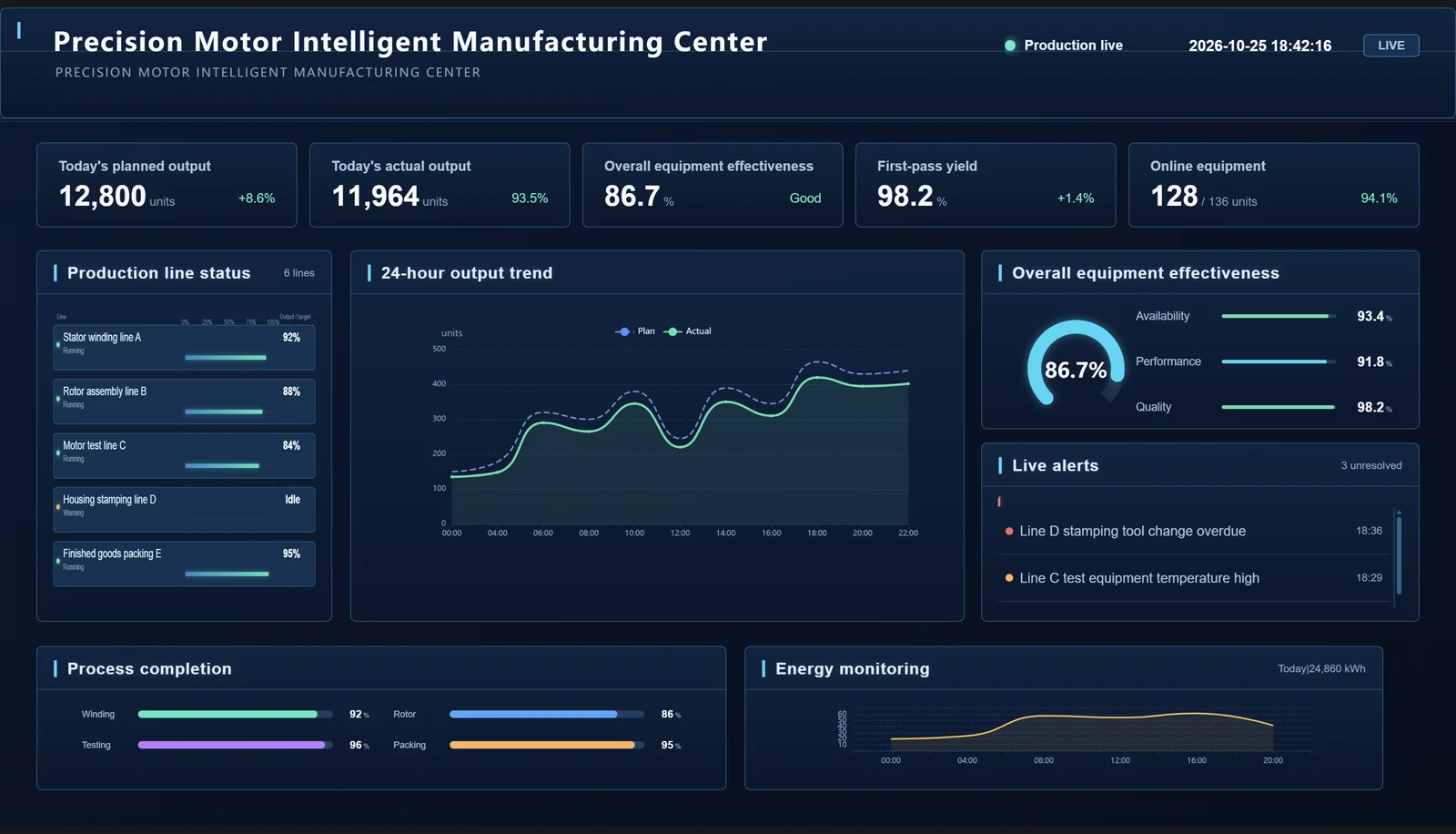
Connect data, compose industrial views, and publish a dashboard that can keep running.
Bring REST, WebSocket, MQTT, databases, equipment states, metrics, and alerts into one data layer.
Data access guide →Use charts, industrial equipment, HVAC assets, pipes, valves, and process components in a visual editor.
Explore solutions →Separate drafts from published snapshots and deliver standalone previews or offline runtime packages.
View service scope →Organize the screen around real equipment, metrics, and procedures instead of filling it with disconnected charts.
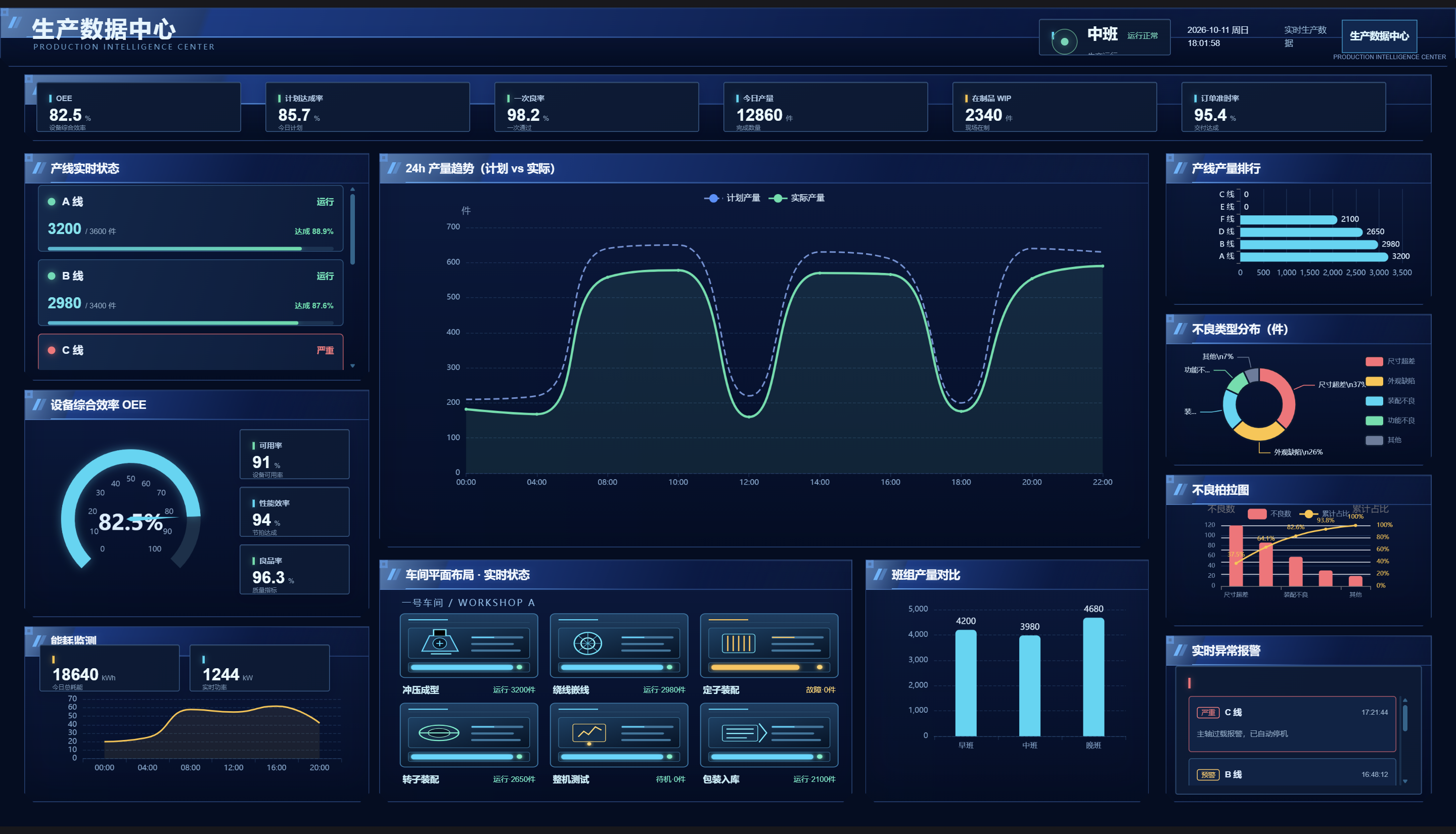
The HVAC energy station and precision motor manufacturing demos show how to organize equipment topology, production metrics, trends, rankings, and alerts.
Browse all casesDefine equipment, roles, metrics, exceptions, and use cases.
Configure APIs, field mapping, refresh intervals, and fallback states.
Build the canvas, validate it, back it up, and publish a standalone version.
Create one project without a time limit and start with real data.